> ## Documentation Index
> Fetch the complete documentation index at: https://wb-21fd5541-docs-weave-byob-note.mintlify.site/llms.txt
> Use this file to discover all available pages before exploring further.
> Prodigy와 W&B를 통합해 annotation 워크플로를 추적하고, 트레이닝 메트릭을 log하며, 레이블이 지정된 데이터셋을 관리합니다.
# Prodigy
[Prodigy](https://prodi.gy/)는 머신 러닝 모델용 트레이닝 및 Evaluation 데이터 생성, 오류 분석, 데이터 점검 및 정제를 위한 annotation 도구입니다. [W\&B Tables](/ko/models/tables/tables-walkthrough/)를 사용하면 W\&B 내에서 데이터셋(그 외 다양한 항목도)을 log하고, 시각화하고, 분석하고, 공유할 수 있습니다.
[W\&B 인테그레이션 with Prodigy](https://github.com/wandb/wandb/blob/master/wandb/integration/prodigy/prodigy.py)는 Prodigy에서 annotation된 데이터셋을 W\&B에 직접 업로드하여 Tables에서 사용할 수 있게 해 주는 단순하고 사용하기 쉬운 기능을 추가합니다.
다음과 같이 몇 줄의 코드를 실행하세요:
```python theme={null}
import wandb
from wandb.integration.prodigy import upload_dataset
with wandb.init(project="prodigy"):
upload_dataset("news_headlines_ner")
```
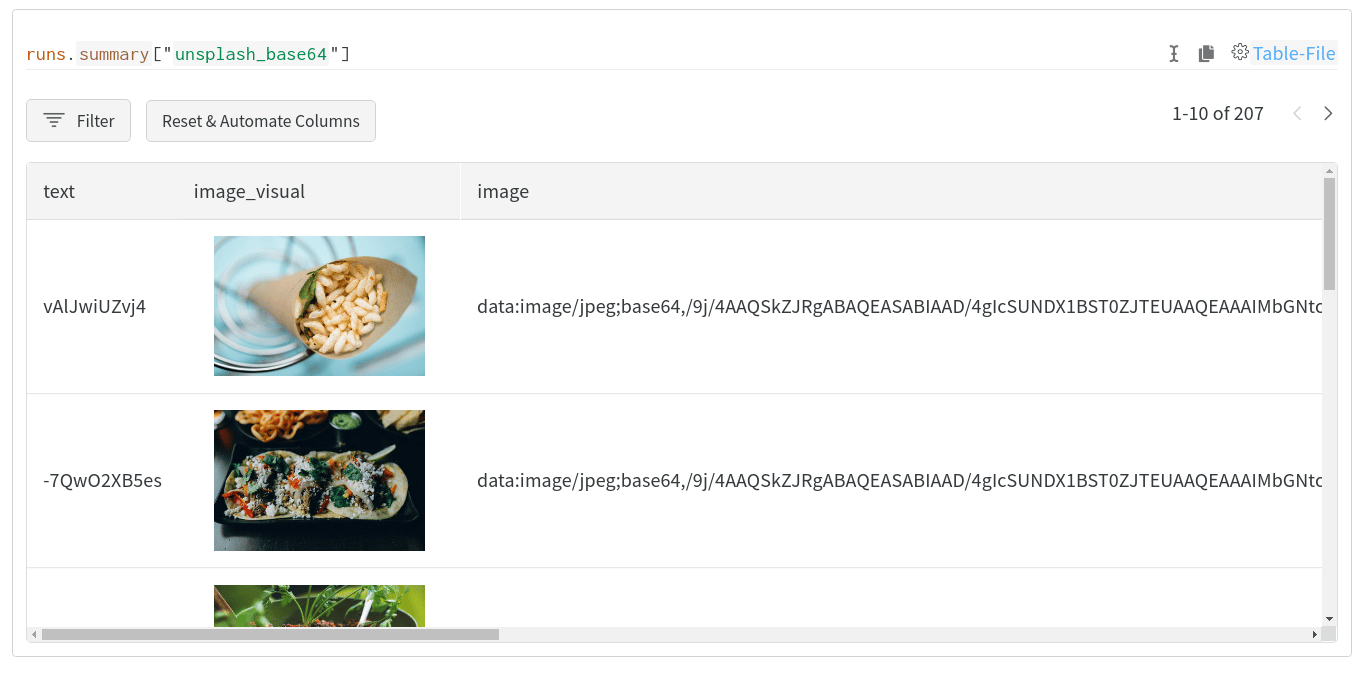
그리고 다음과 같은 시각적이고 대화형이며 공유 가능한 테이블을 만들 수 있습니다:
## 퀵스타트
`wandb.integration.prodigy.upload_dataset`를 사용하면 로컬 Prodigy 데이터베이스의 주석 처리된 Prodigy 데이터셋을 W\&B의 [Table](/ko/models/ref/python/data-types/table) 형식으로 직접 업로드할 수 있습니다. 설치 및 설정을 포함한 Prodigy 관련 자세한 내용은 [Prodigy documentation](https://prodi.gy/docs/)을 참고하세요.
W\&B는 이미지와 개체명 필드를 각각 [`wandb.Image`](/ko/models/ref/python/data-types/image) 및 [`wandb.Html`](/ko/models/ref/python/data-types/html)로 자동 변환하려고 시도합니다. 이러한 시각화를 포함할 수 있도록 결과 Table에 추가 열이 생길 수 있습니다.
## 자세한 예시 살펴보기
W\&B Prodigy 인테그레이션으로 생성된 시각화 예시는 [W\&B Tables를 사용하여 Prodigy 데이터셋 시각화하기](https://wandb.ai/kshen/prodigy/reports/Visualizing-Prodigy-Datasets-Using-W-B-Tables--Vmlldzo5NDE2MTc)에서 확인할 수 있습니다.